A real roll of film
Hosts choose how many shots each guest gets, 10, 24 or 36 like a disposable camera, a custom number, or no limit. Every photo counts, so people take the good ones.
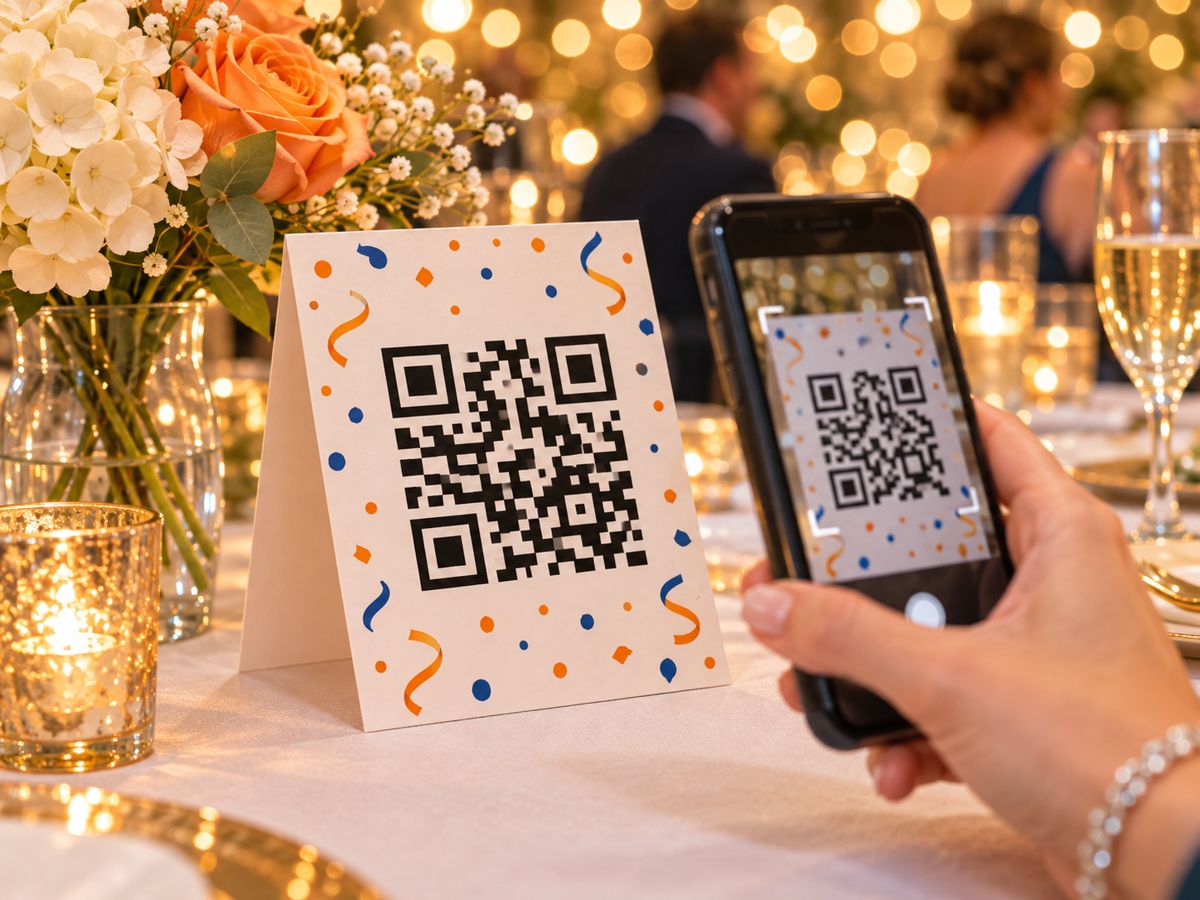
Party Roll turns everyone’s phone into the same disposable camera. Guests scan a QR code, shoot the night with film looks, and every photo lands on one shared roll. No accounts, no group chat chaos.
Get Party Roll
Live on iPhoneParty Roll is live on the App Store for iPhone, iPhone Duo and iPad. The Android version is still in production.
 In productionAndroid


About ten seconds from scanning the code to taking the first photo. Guests never make an account.
For hosts
Name the event, choose how many shots each guest gets, and Party Roll makes the QR code as a PNG, an A6 invitation, an A4 poster or a sheet of table cards ready for AirPrint.
Seven built-in looks, each with its own colour, grain and vignette, applied as the photo is taken. Swipe the viewfinder to change looks. Hosts can lock an event to one look so the whole roll matches.
Hosts choose how many shots each guest gets, 10, 24 or 36 like a disposable camera, a custom number, or no limit. Every photo counts, so people take the good ones.
Brightens faces, fixes red-eye and straightens slightly crooked photos on the phone, before anything uploads.
Took a great photo with the normal camera? Add it to the roll with a film look. It uses a shot, and the host can switch this off.
Photos queue on the phone and upload when the signal comes back, which matters at a station wedding or a bush camp.
Each pack adds three film looks, a photo frame, a matching QR card design and party challenges. Preview any pack on a sample photo, or try it on one of your own, before you choose it.
Sample invitation cards in each pack’s design, laid out the way the app prints them. The event names are made up, and these QR codes open this page. Packs download on demand so the app stays small, and a host’s chosen pack downloads automatically for guests.
Open, the viewfinder fills one side and every control, look and your latest photos sit on the other. With the rear camera, the outer display can show the people you’re photographing a live preview and the timer countdown.
A big viewfinder beside the roll, handy on a stand at a photo corner, plus the host dashboard on the big screen.
Party Roll for Android is in production. It will join the same parties and add to the same roll, so nobody at the table misses out.
Party Roll on iPhone, iPhone Duo and iPad. Unfolded, iPhone Duo puts the viewfinder on one side and the controls and roll on the other. Select any screenshot to view it larger.
These are the App Store screenshots for Party Roll 1.0, captured in the app with demo parties and photos.
Joining a party never costs anything. Party Roll Unlimited is a one-time purchase for the people who run the parties and keep the photos.
For every guest
One-time purchase, no subscription
Private by design
Only people with the event’s code can see its roll, and the host decides who sees what. Photos are stored privately and shared through short-lived links, then deleted when the roll expires.
Live now on the App Store for iPhone and iPad. The Android version is still in production.